Use this updated step-by-step guide to quickly generate your PayPal API credentials and connect them seamlessly to FreshLimePay Cloud.
Go to the official PayPal Developer portal to begin setting up your API credentials.
Open PayPal Developer Dashboard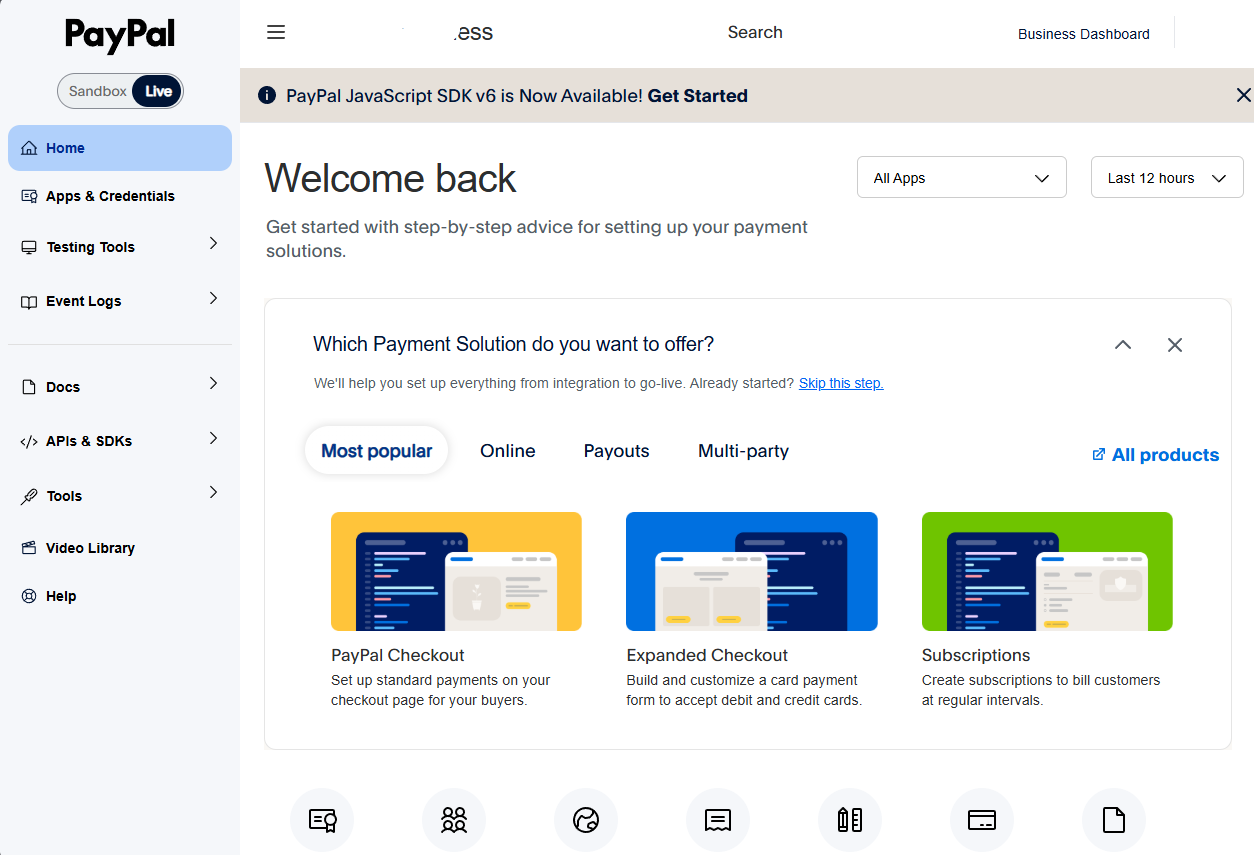
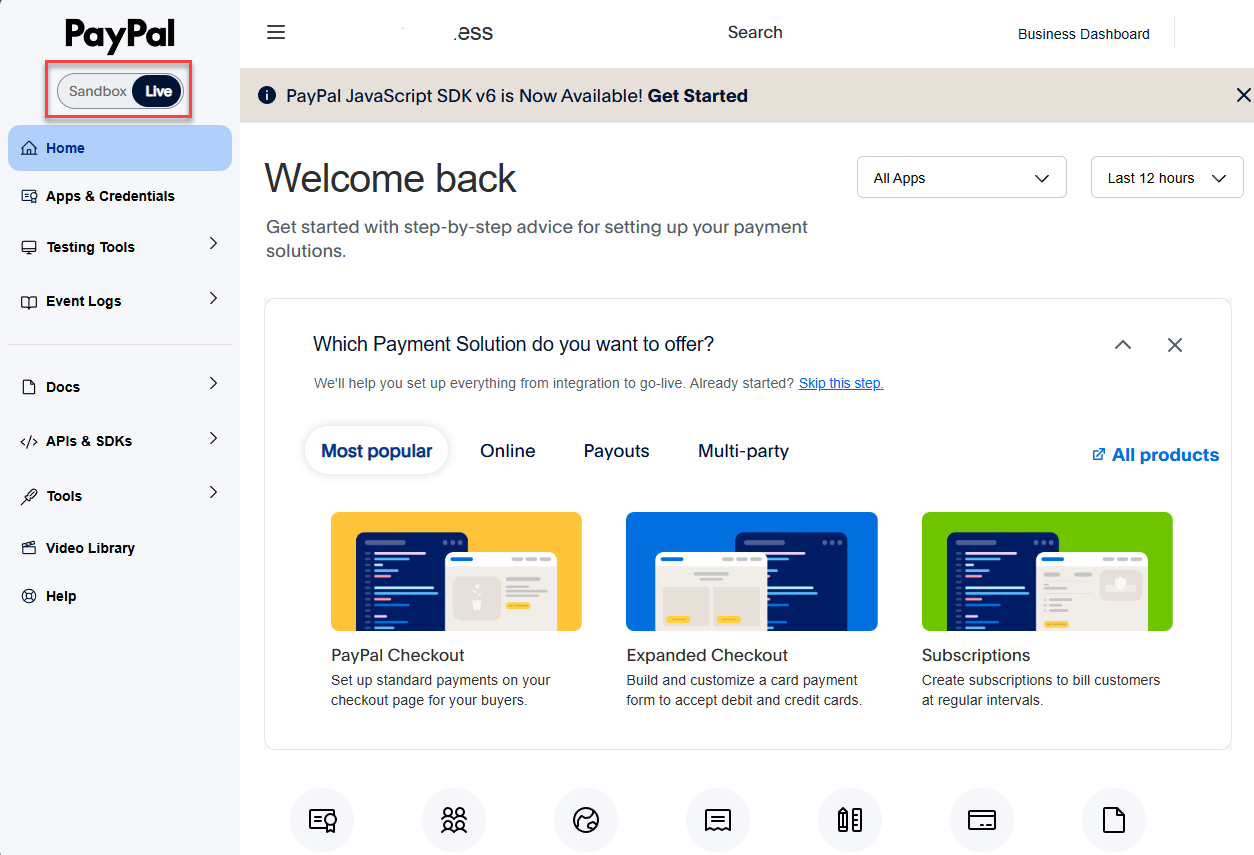
Select the environment where you want to create your credentials:
For this guide, we will be generating Live credentials:
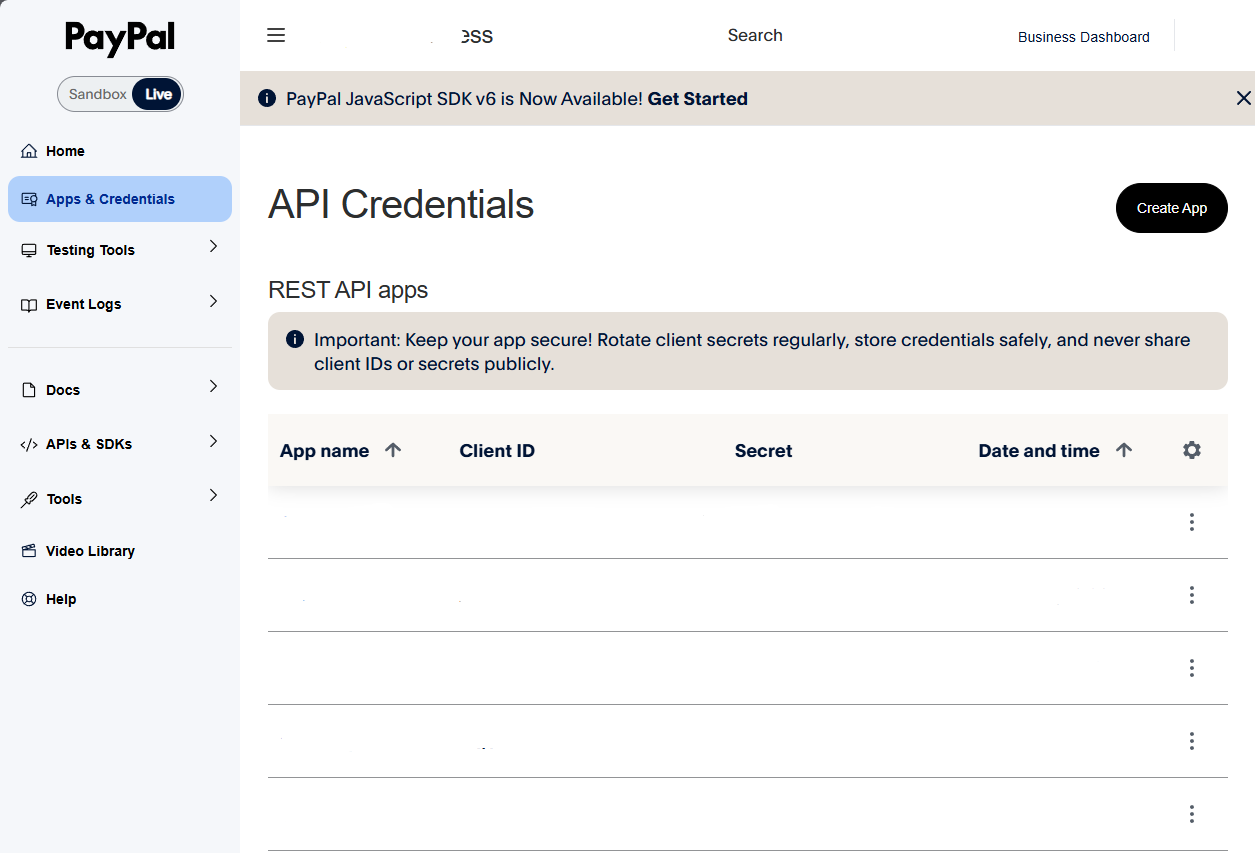
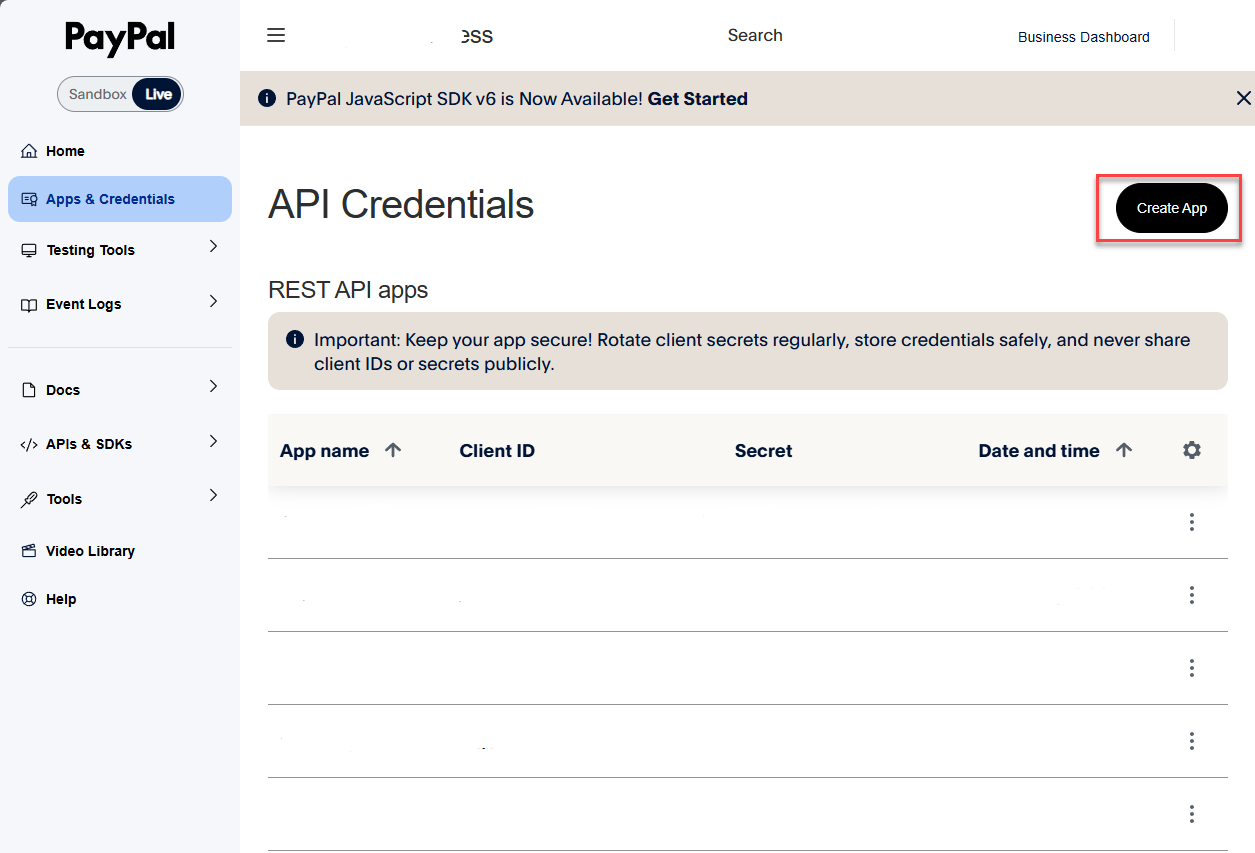
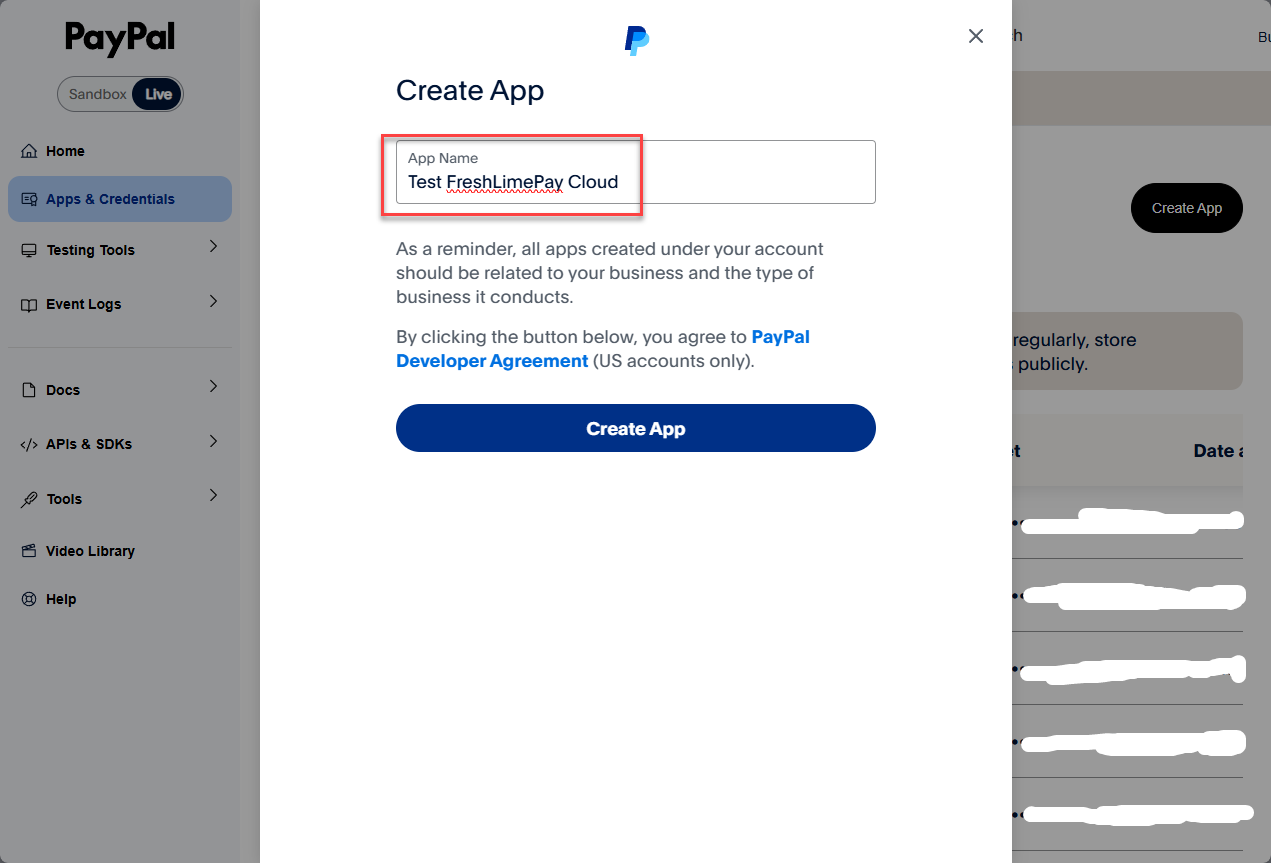
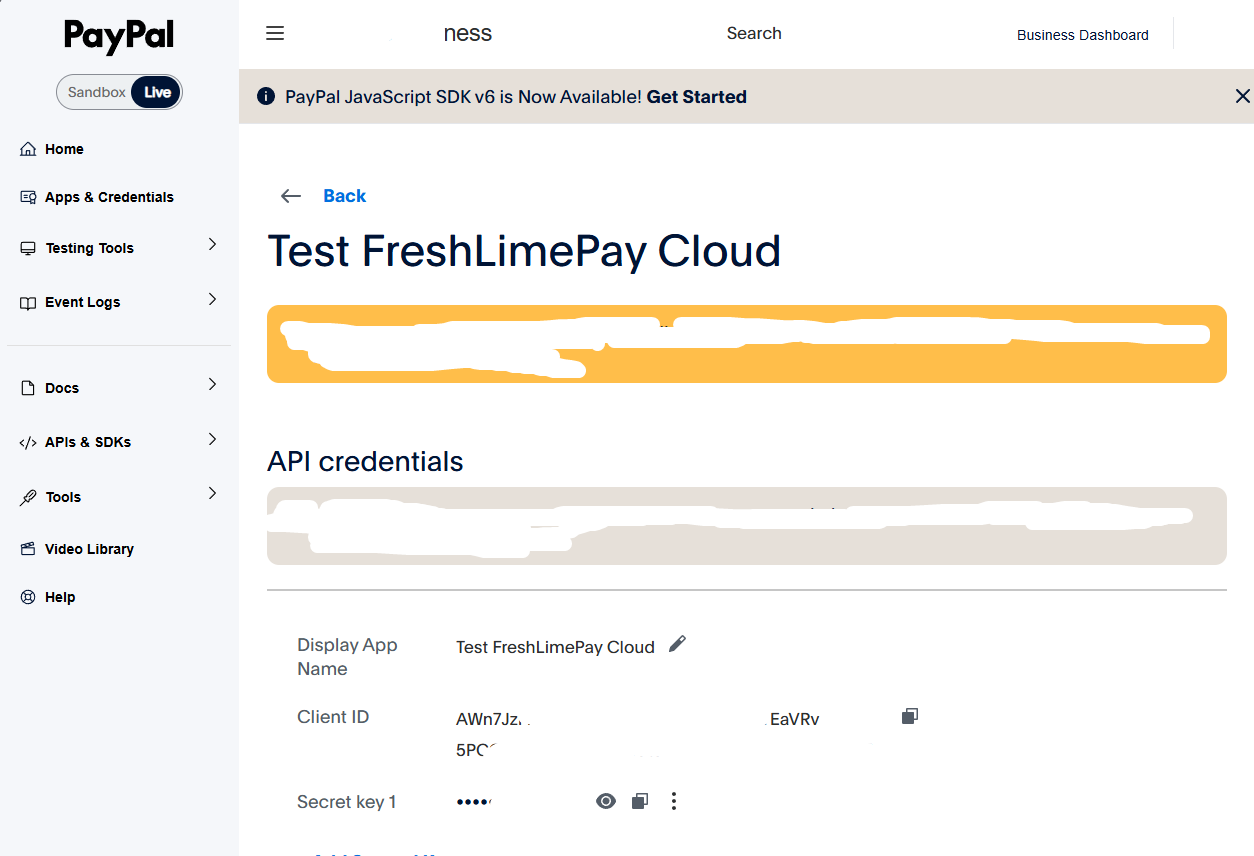
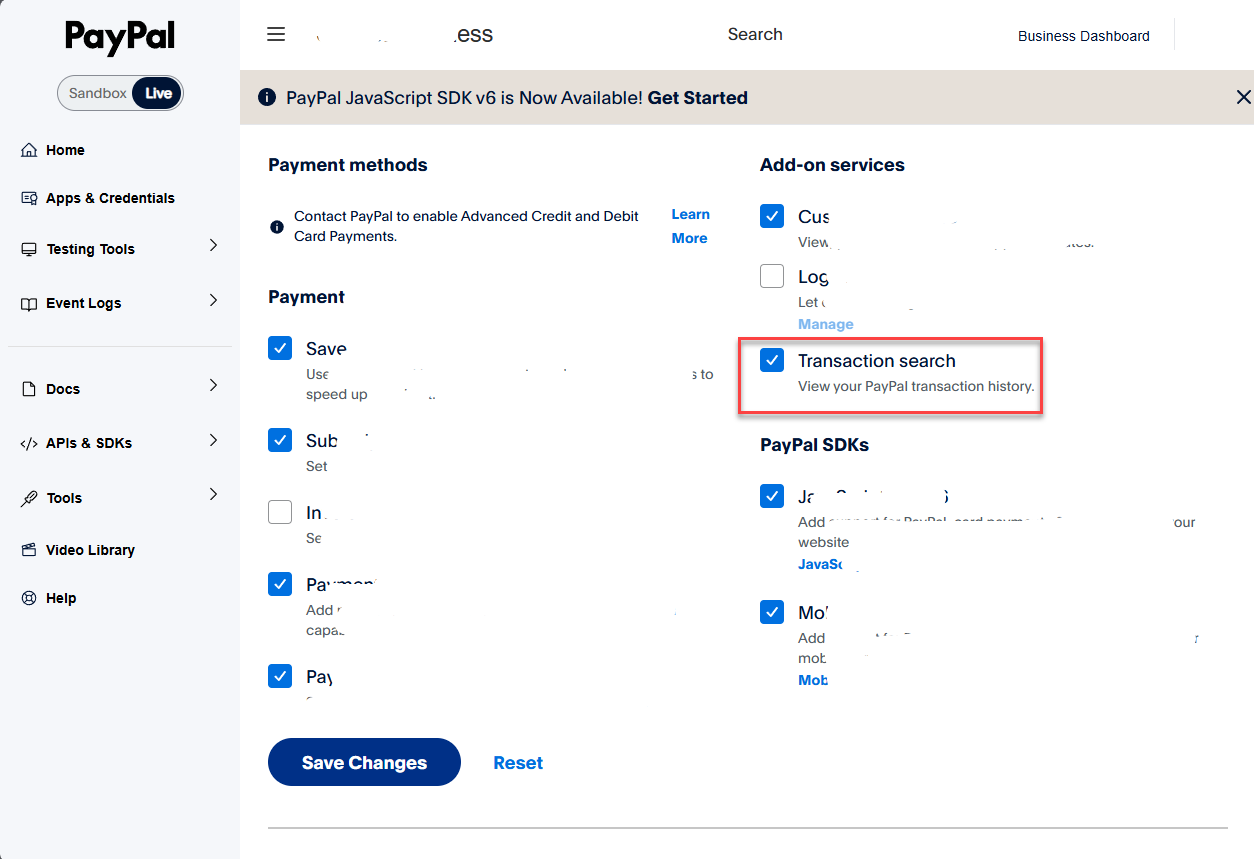
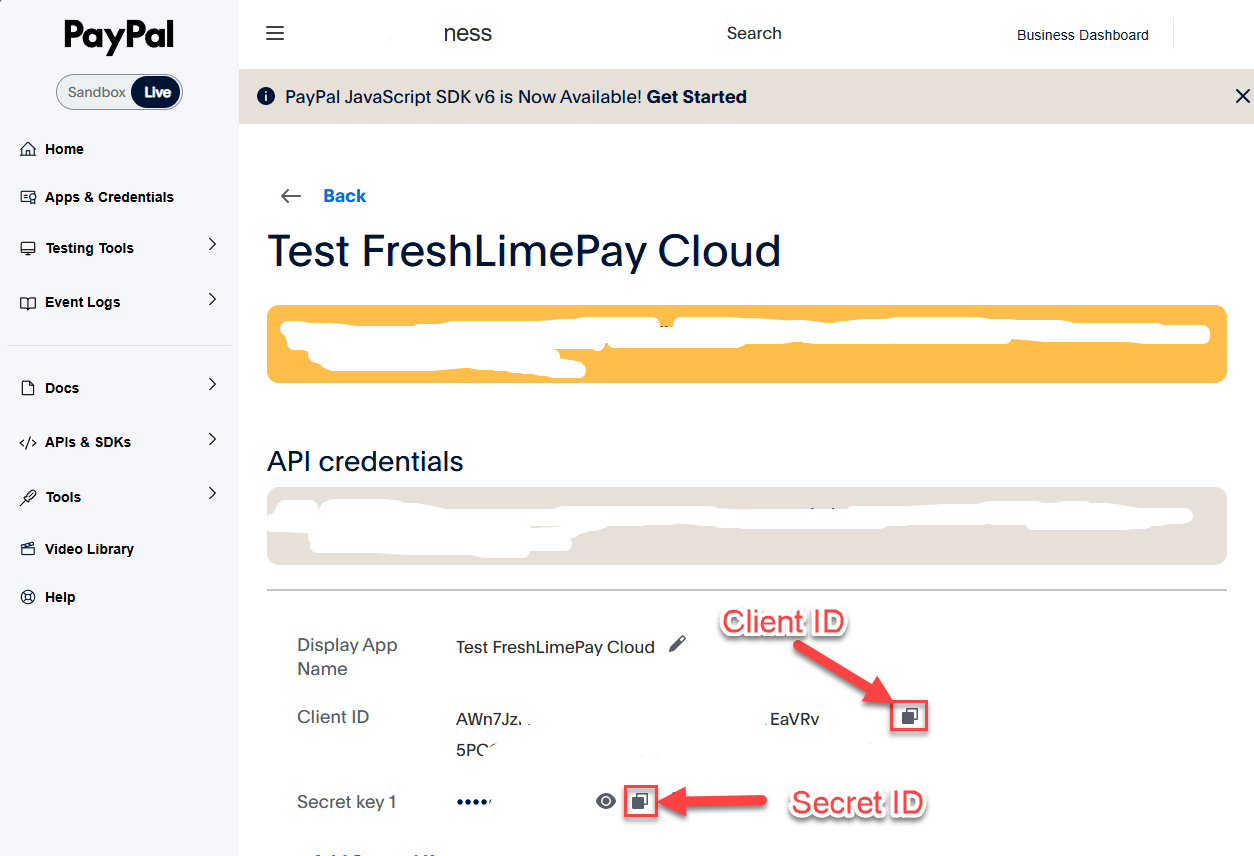
Your Client ID and Secret ID will appear immediately.
Sign in to FreshLimePay Cloud using your Google account:
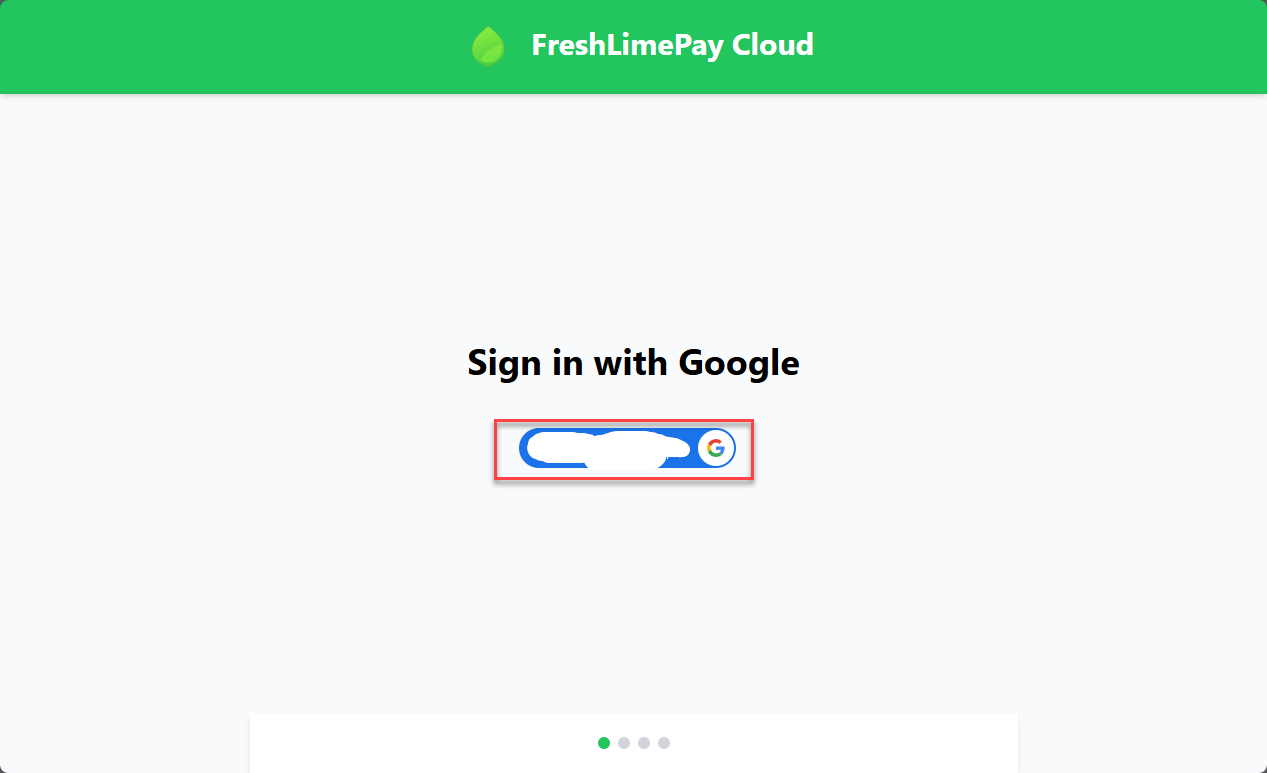
Then go to your PayPal settings page:
https://cloud.freshlimepay.com/get-started/update-settings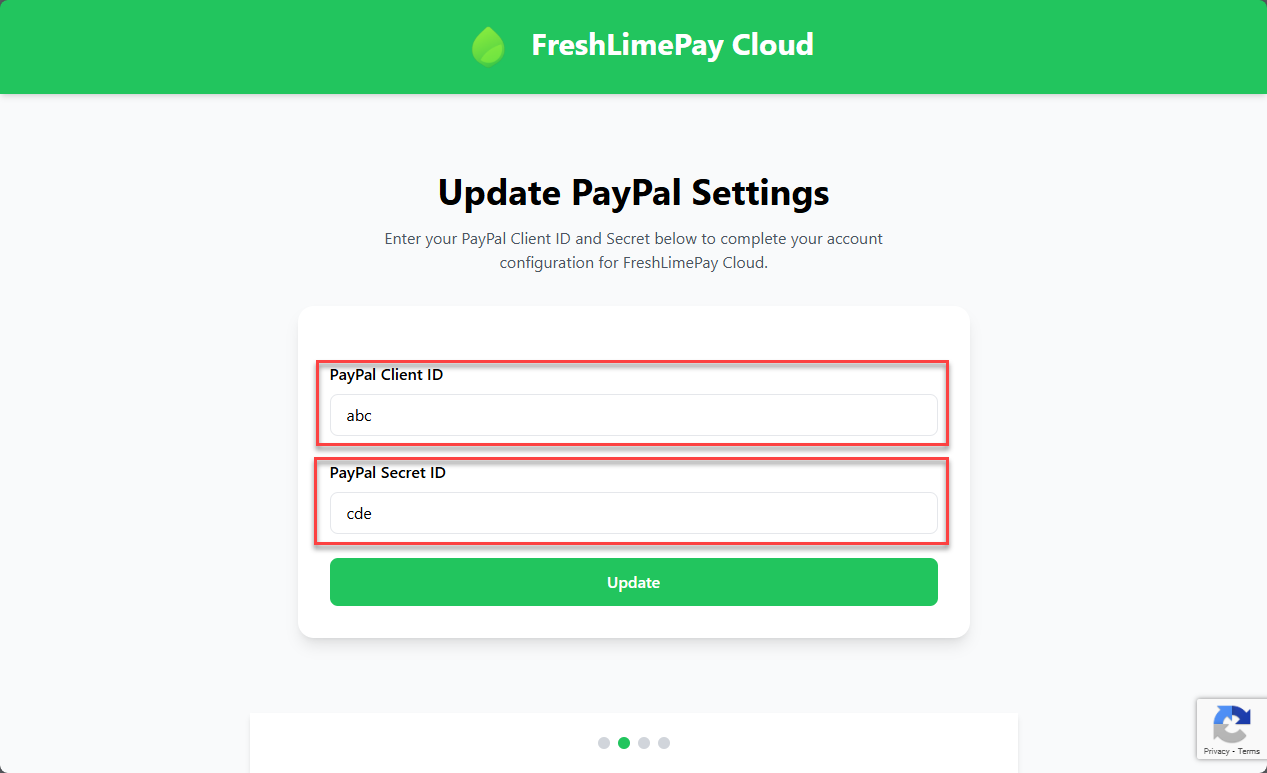
Paste your Client ID and Secret into the corresponding fields and click Update.
Once completed, head to the dashboard to begin adding products for one-time or subscription payments:
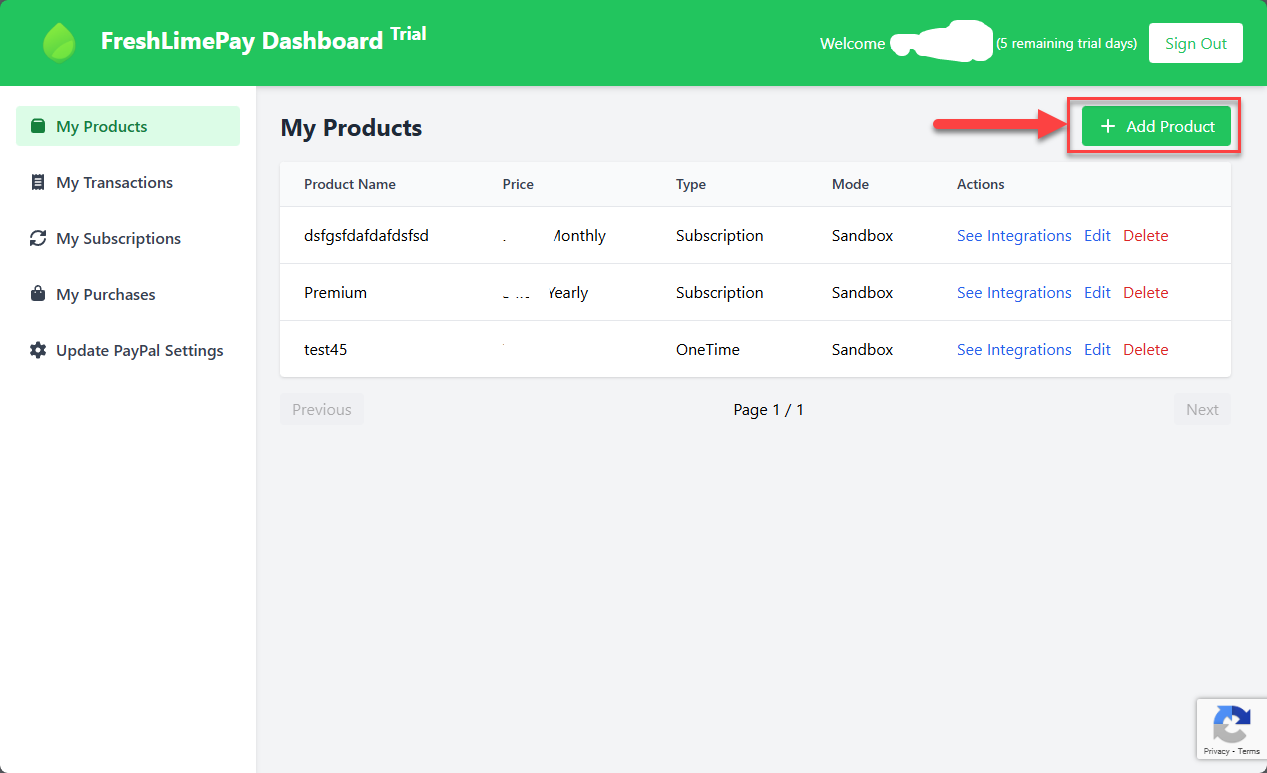
You can now generate and integrate checkout buttons into your website or application.